Disclaimer Notice
Home
Photoshop
Premiere
After Effects
Fonts
Resources
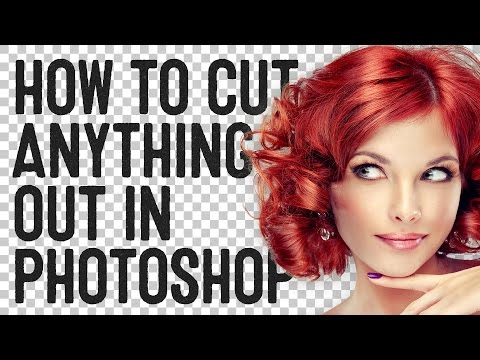
How To Cut Anything Out in Photoshop
8:09 PM
Rome™
0
The pen tool is the go-to tool for cutting most things out, but there's some cool techniques you can use for hair, fur and other specialty subjects.
Share Your Reaction!
0 comments:
Newer Post
Home
Older Post
Subscribe to:
Post Comments (Atom)
Search
Trending
Photoshop Tutorial - Creative Dripping Effect
Adobe Photoshop is a raster graphics editor developed and published by Adobe Inc...
Adobe AFTER EFFECTS Basics
In this video tutorial,you will learn the Adobe AFTER EFFECTS Basics. Video...
Removing background in Photoshop CS6
This is a tutorial on how to Remove a background using Photoshop CS6.
Adobe Photoshop: Introduction to Generative Fill
Adobe Photoshop: Introduction to Generative Fill A great powerful generative ...
Photoshop Manipulation Tutorial - Adding Light Effects in Photoshop
Photoshop Manipulation Tutorial - Adding Light Effects in Photoshop In this Photoshop video tutorial,you will learn how to Photosh...
Sponsor


0 comments: